01 · Icons
- Want to see at a glance how your CPU, disk, memory and network are doing?
- Without opening Task Manager or keeping a window on screen?
Then with tetramon you can:
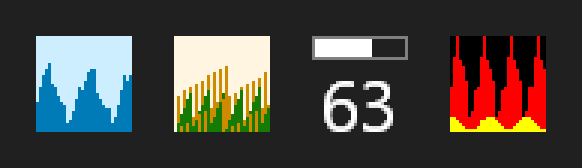
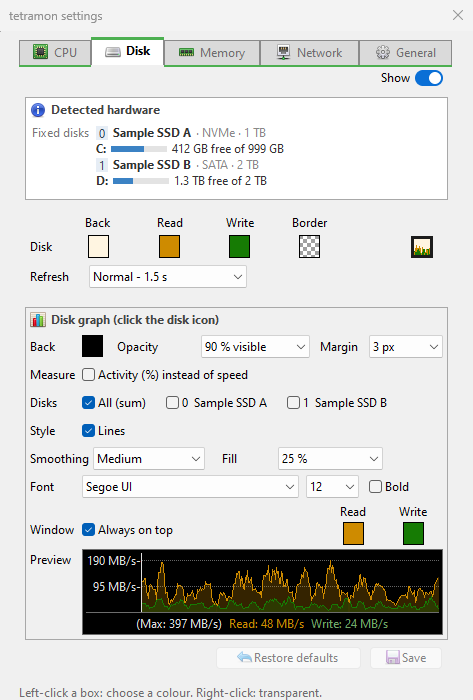
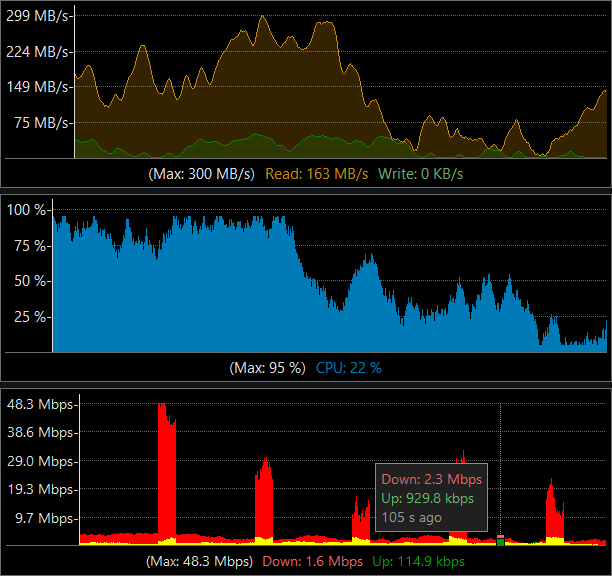
- Four icons in the Windows tray, each with its history: CPU, disk (read and write), memory (percentage as a number) and network (download and upload).
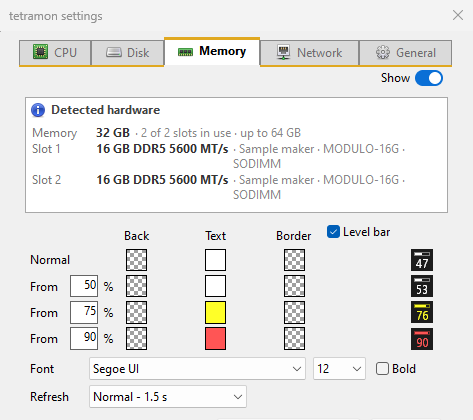
- Memory changes colour by level (from 50, 75 and 90 %, configurable) and has an optional level bar.
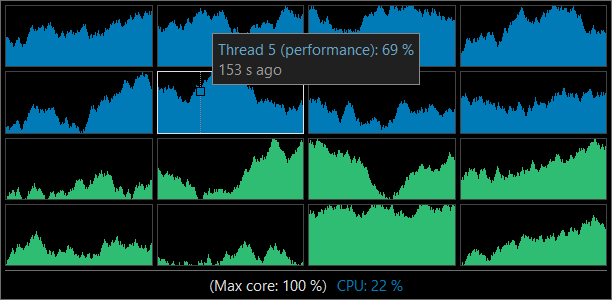
- Hover over them and the tooltip gives the details: usage per disk, speeds, free memory, network interface.
- Show only the ones you want, each with its own refresh (0.5 to 10 s), colours and border.